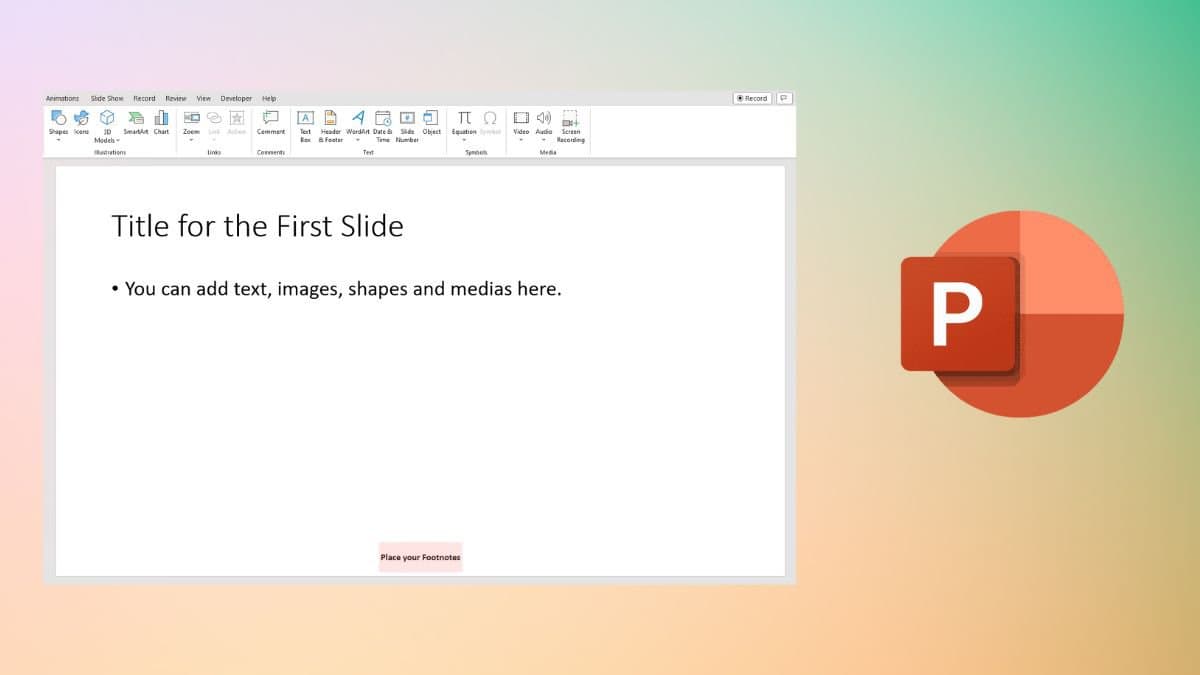
In creating engaging and informative presentations, the use of footnotes in PowerPoint is an essential component that enhances the credibility of the content while providing a mechanism for citing sources. A footnote not only clarifies complex information, but it also enriches the visual and intellectual experience for the audience. This article delves into the various facets of footnotes in PowerPoint, including their appearance, formatting options, inclusion of diverse content types, and best practices for effective utilization.
Understanding the Purpose of Footnotes
Footnotes serve a pivotal role in academic and professional presentations. They provide a discreet yet effective way to reference additional information without cluttering the main slide. By relegating supplementary content to the bottom of the slide, footnotes maintain the flow of the primary narrative, allowing the audience to absorb the key messages effortlessly. This approach fosters an academic ambiance while preserving engagement.
The Aesthetic Appearance of Footnotes
In PowerPoint, a footnote typically appears at the bottom of the slide, often in a smaller font than the main text. This intentional reduction in size underscores the idea that the footnote is supplementary information. Usually, footnotes are formatted in a contrasting color or italicized to differentiate them from the body text effectively. The use of superscript numbers at the end of a relevant sentence or phrase indicates the corresponding footnote below, easily guiding the audience’s eyes to the additional information when needed. This layout promotes clarity and ensures that viewers do not overlook critical amendments or explanations.
Types of Content That Can Be Incorporated into Footnotes
Footnotes can accommodate a diverse array of content types, enhancing the depth and breadth of a presentation’s information. Here are several categories of content commonly included in PowerPoint footnotes:
- Sourcing and References: One of the most prevalent uses of footnotes is to cite sources. Whether quoting academic research, statistics, or authoritative texts, including the source of the information solidifies credibility and allows the audience to pursue additional exploration.
- Clarifications: Footnotes can also provide clarifying details to ensure that the audience comprehends complex ideas or terminology without altering the narrative flow. This is especially useful when introducing specialized jargon or concepts that may require further elucidation.
- Additional Examples: Sometimes, a single example may not suffice to illustrate a concept thoroughly. Footnotes offer a convenient space to include supplementary examples or case studies that reinforce the main arguments presented in the slide.
- Contrasts and Comparisons: In instances where contrasting viewpoints or studies exist, footnotes can outline these differences succinctly. This adds a layer of depth to the presentation, offering a comprehensive perspective on the topic at hand.
- Historical Context: Brief historical overviews or context can elegantly fit within footnotes, providing an enriched understanding of the subject matter. This can be particularly useful in fields like history, literature, or social sciences.
Best Practices for Implementing Footnotes in PowerPoint
While footnotes provide meaningful content, their advantages can only be realized through thoughtful implementation. The following best practices should guide presenters in crafting effective footnotes:
- Maintain Consistency: When using footnotes, it is crucial to maintain consistent formatting throughout the presentation. This includes using the same font, size, and color for all footnotes. Inconsistencies can detract from the professional appearance of the slides.
- Limit Footnote Length: Footnotes should be concise. Aim to keep them brief and to the point, providing only essential information without overwhelming the audience. Long paragraphs can defeat the purpose of a footnote and detract from the audience’s focus.
- Use Legible Fonts: Given that footnotes are smaller than the body text, clarity is paramount. Select fonts that retain readability even at reduced sizes. Avoid overly ornate fonts that might render the text difficult to read.
- Prioritize Relevance: Only include footnotes that add value to the presentation. Irrelevant or redundant footnotes can confuse or frustrate the audience, undermining the overall message.
- Test Visibility: Before finalizing the presentation, review the slides in their entirety to ensure that footnotes remain legible and do not distract from the main content. Consider how the footnotes will appear in various formats (e.g., projected, printed) to guarantee consistency.
Conclusion
Ultimately, footnotes in a PowerPoint presentation act as invaluable tools for enhancing clarity, credibility, and depth. By employing thoughtful formatting, including diverse content types, and adhering to best practices, presenters can wield footnotes to their advantage, enriching the audience’s experience. Embracing this nuanced aspect of visual communication allows for greater engagement, understanding, and retention of information, making presentations not just informative but transformative in their delivery. As speakers strive to convey complex ideas, footnotes prove to be indispensable companions in the quest for clarity and connection.










Leave a Comment